If a coach has not been registered to a team through the competition management system and you would like to assign them directly to a team follow the steps below.
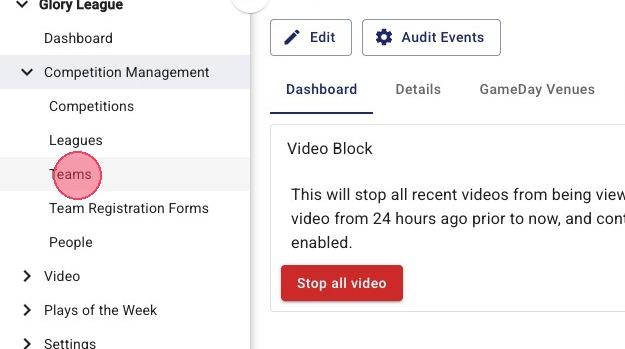
1. Click "Teams"
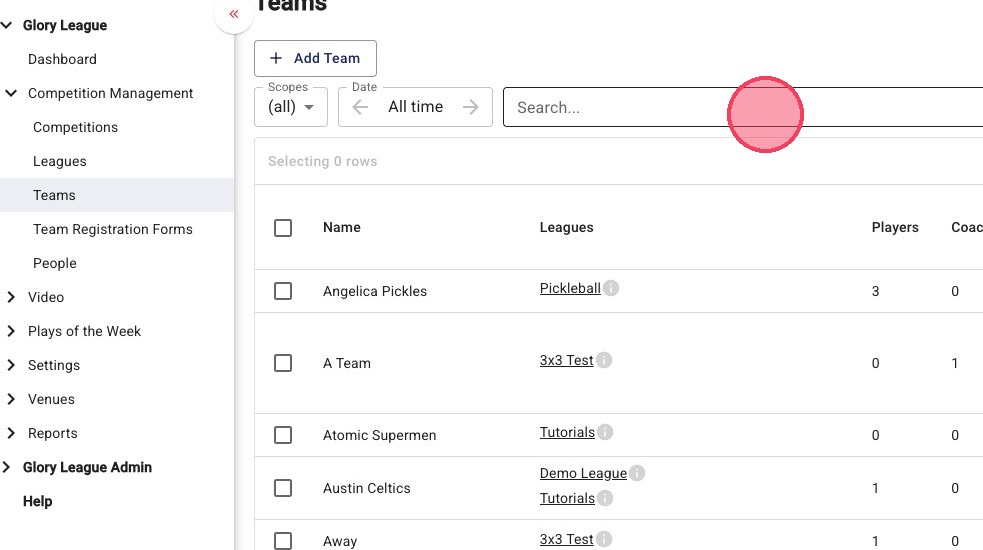
2. Click the "Search..." field.
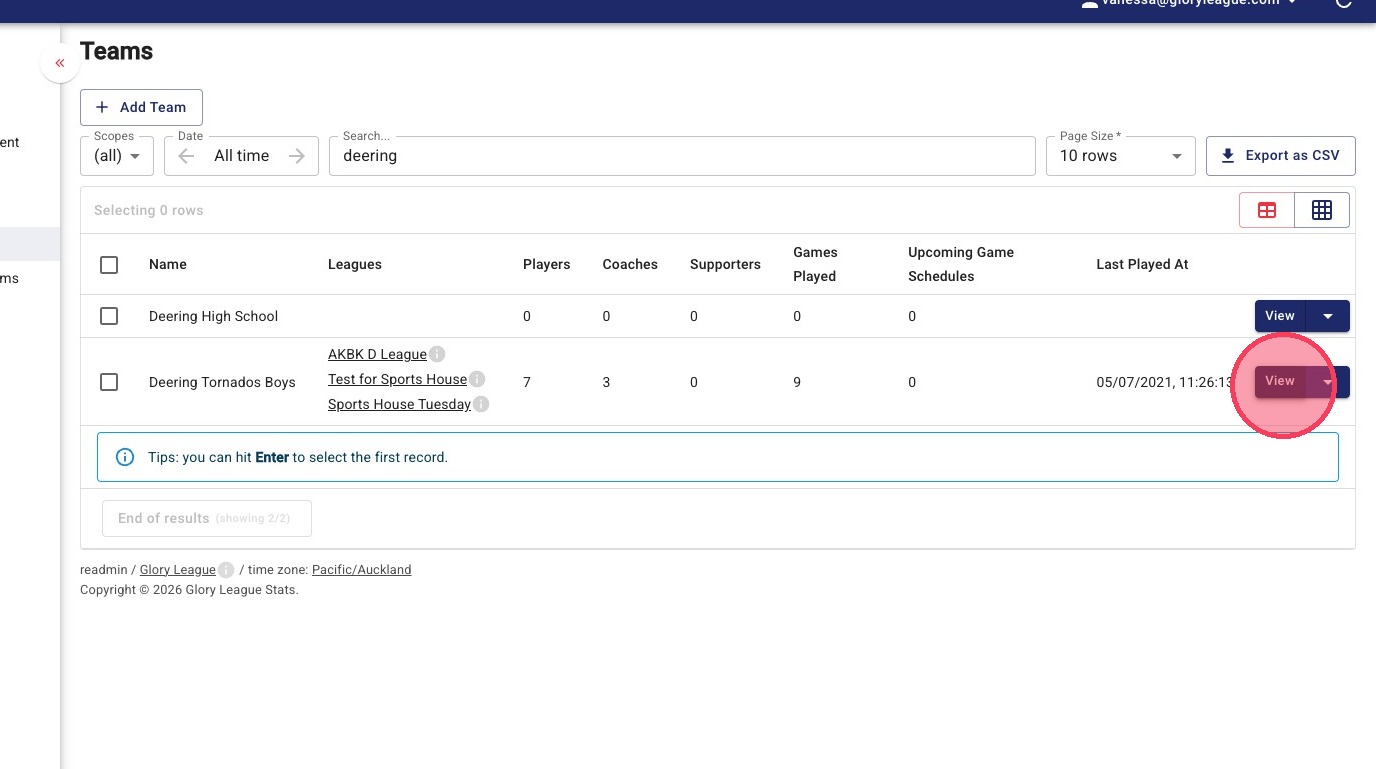
3. On the team you want to add a coach to, click "View"
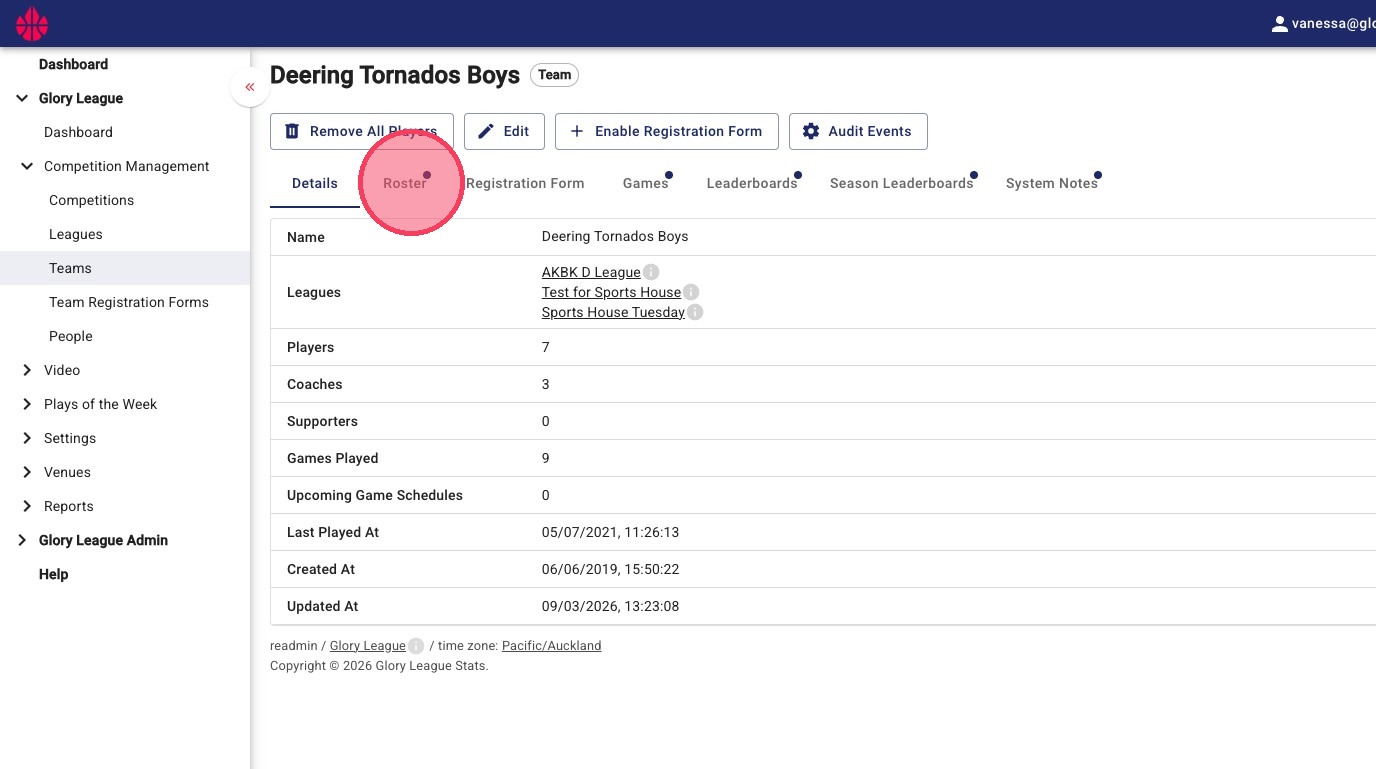
4. In the team page, click "Roster"
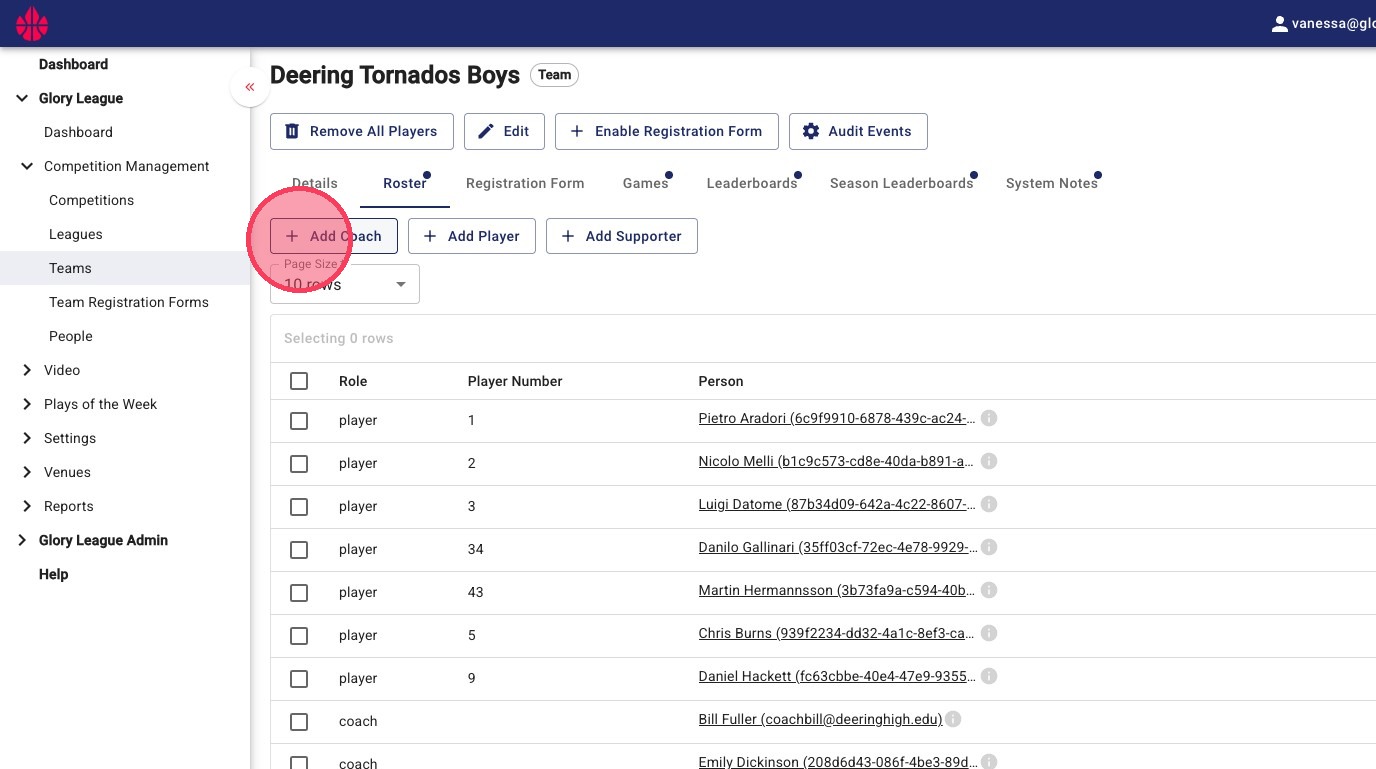
5. Click "Add Coach" button
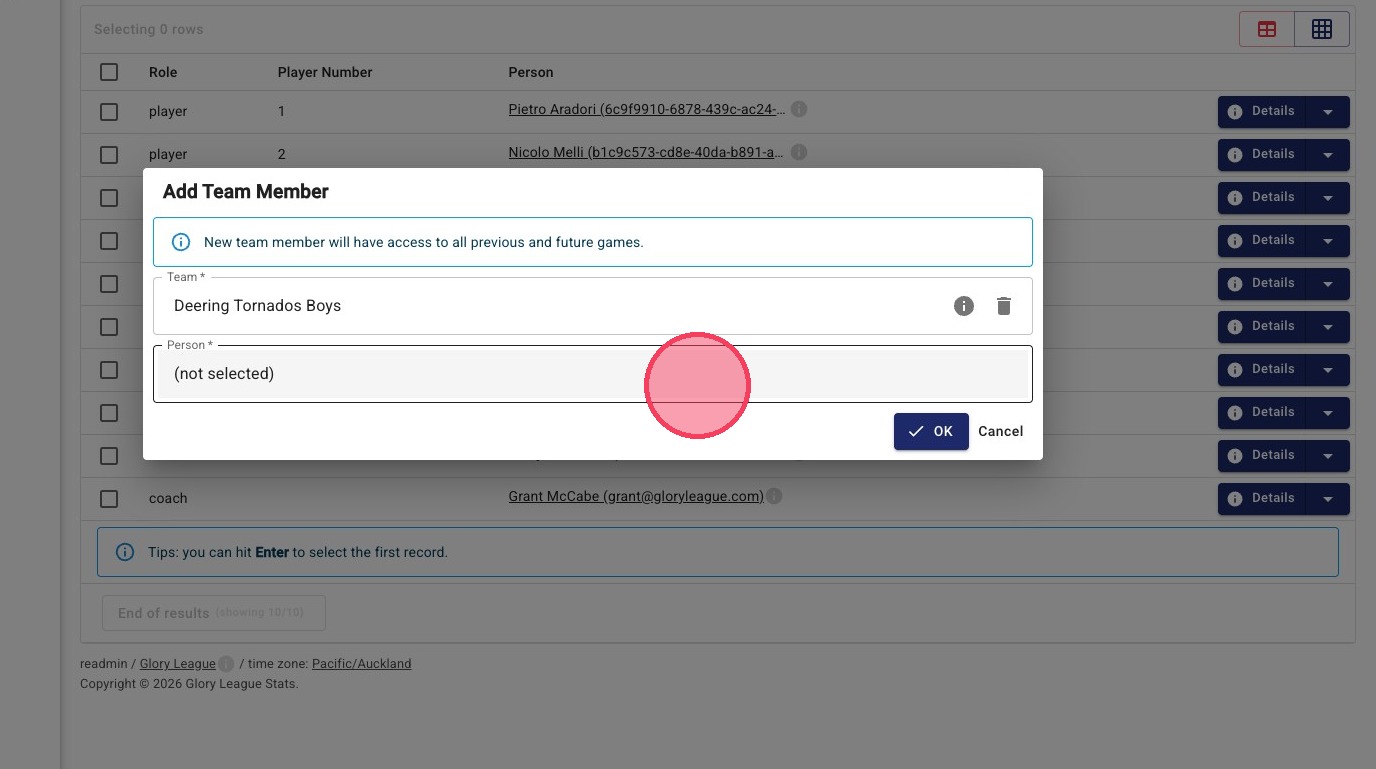
6. Click "(not selected)"
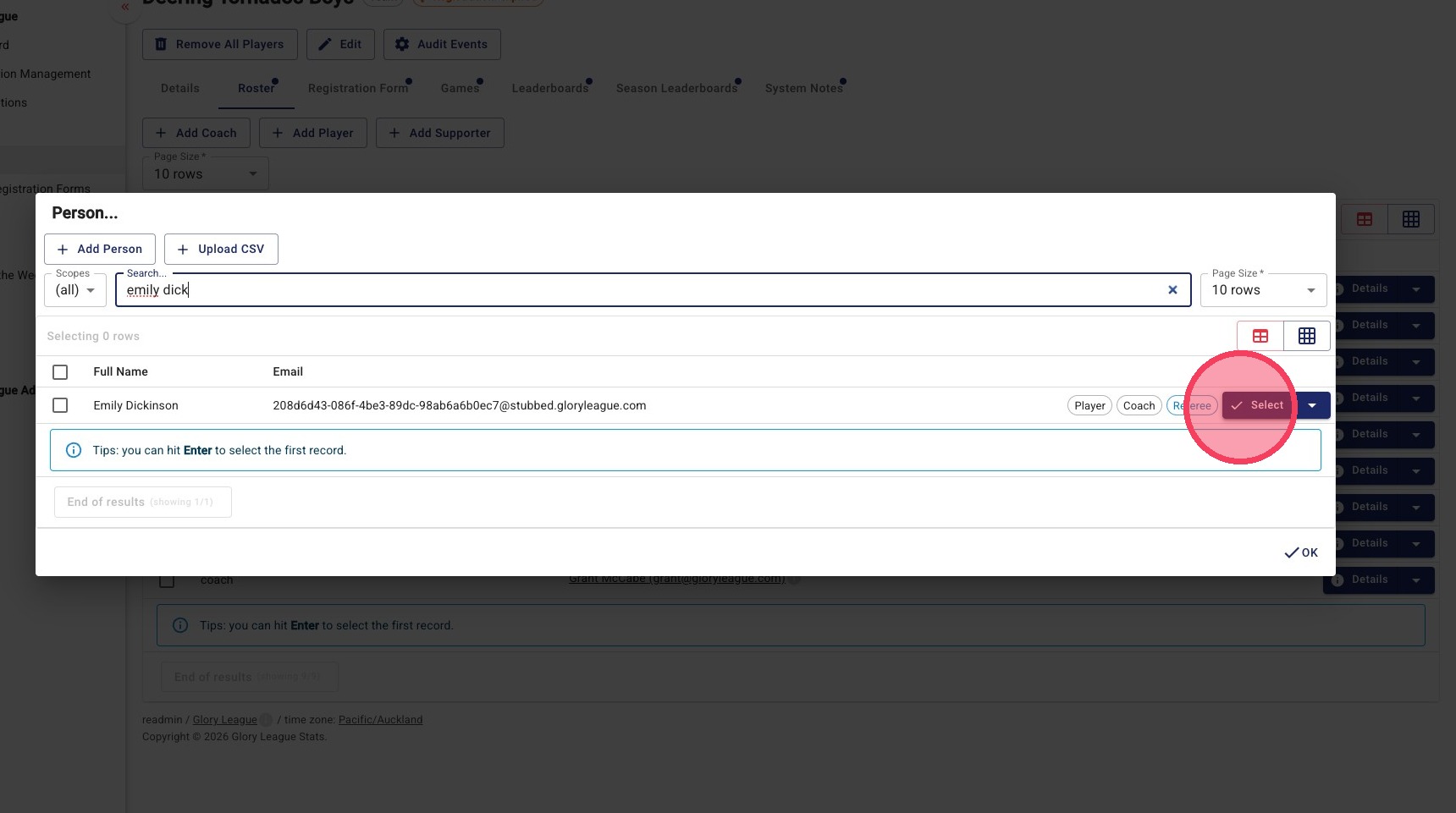
7. Click the "Search..." field to see if coach is already in your database
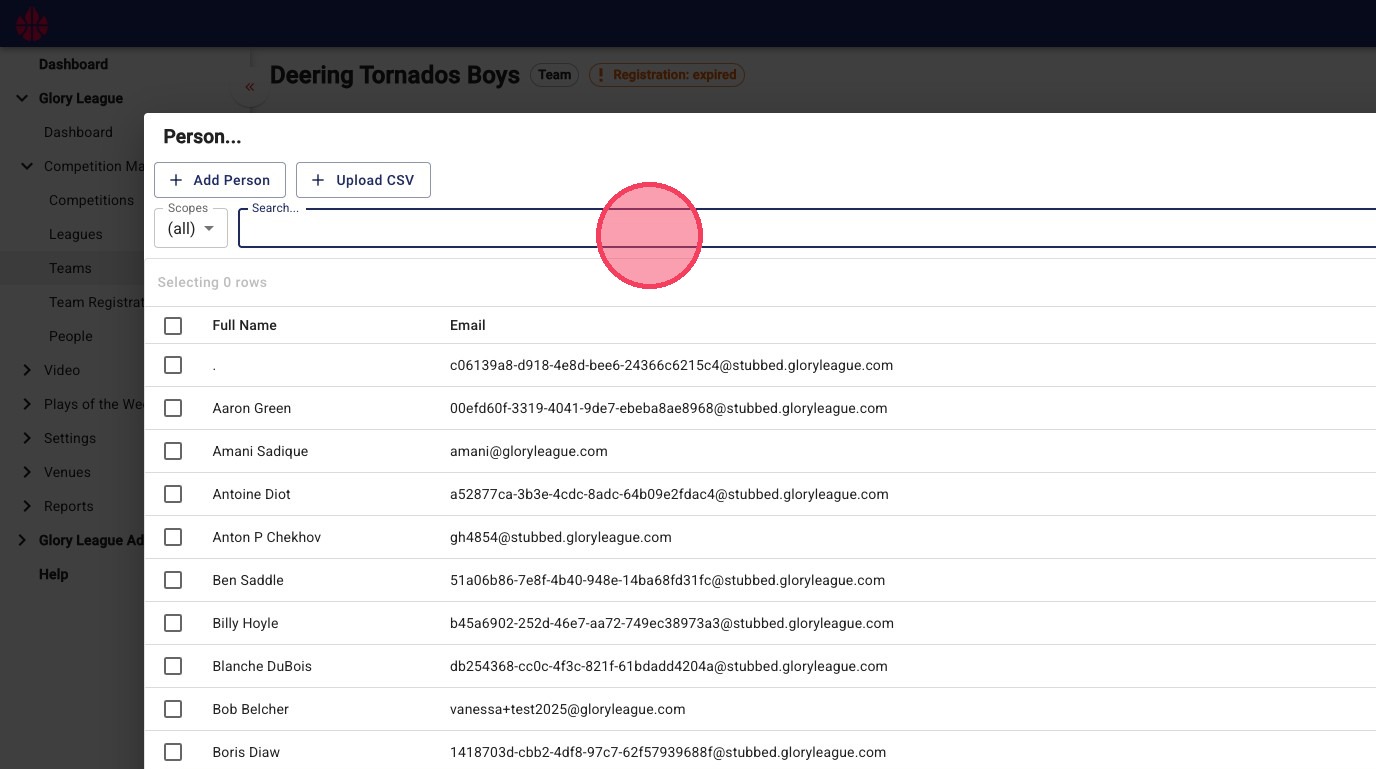
8. If no entries come up for the coach or if the email does not match click "Add Person"
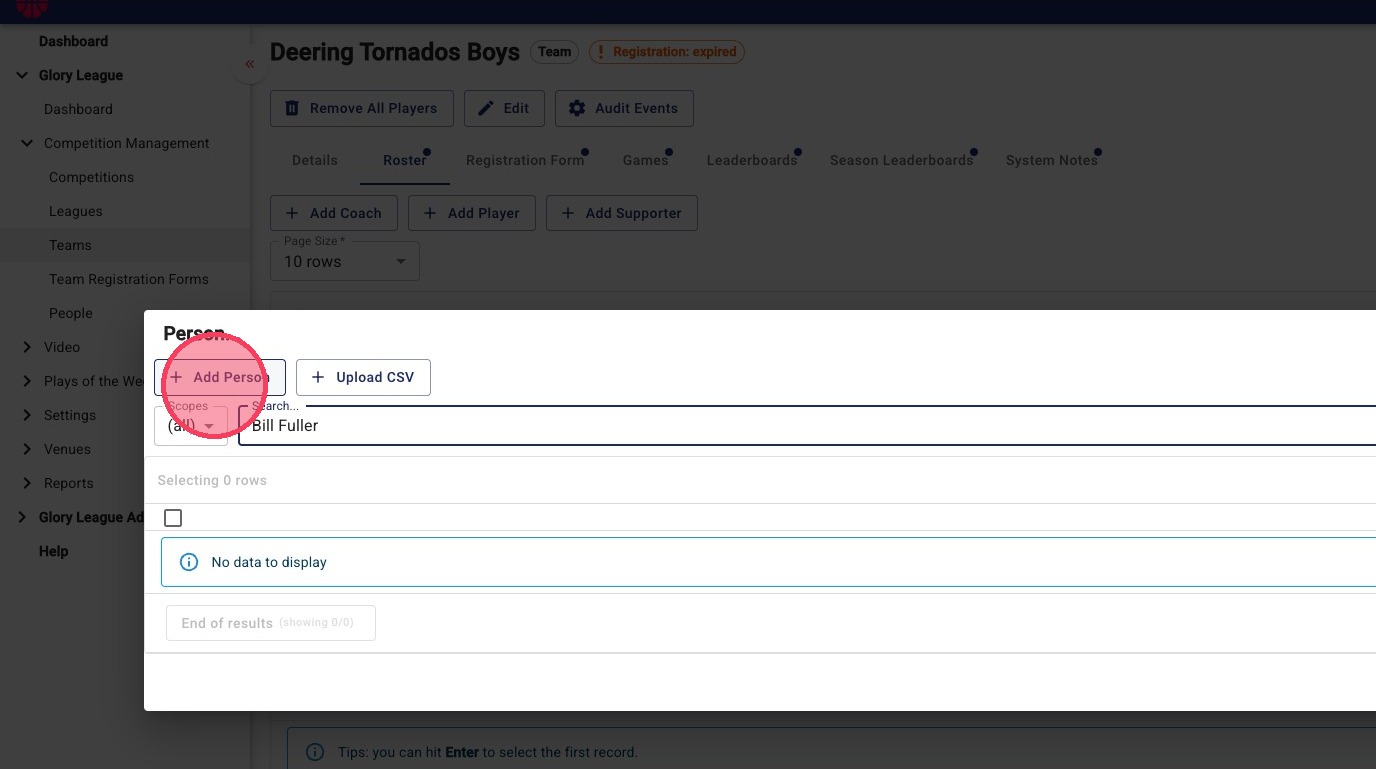
9. Enter the First and last name of the coach and their email address.
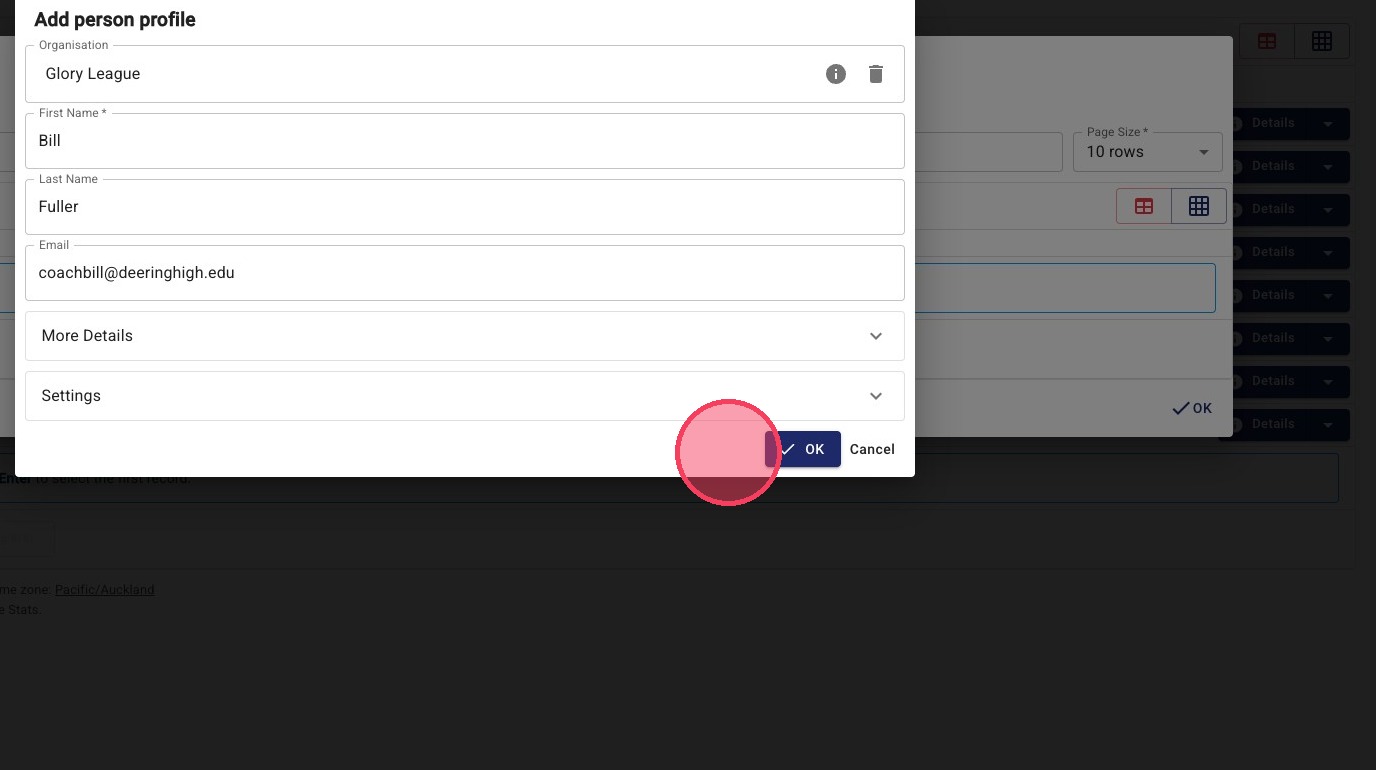
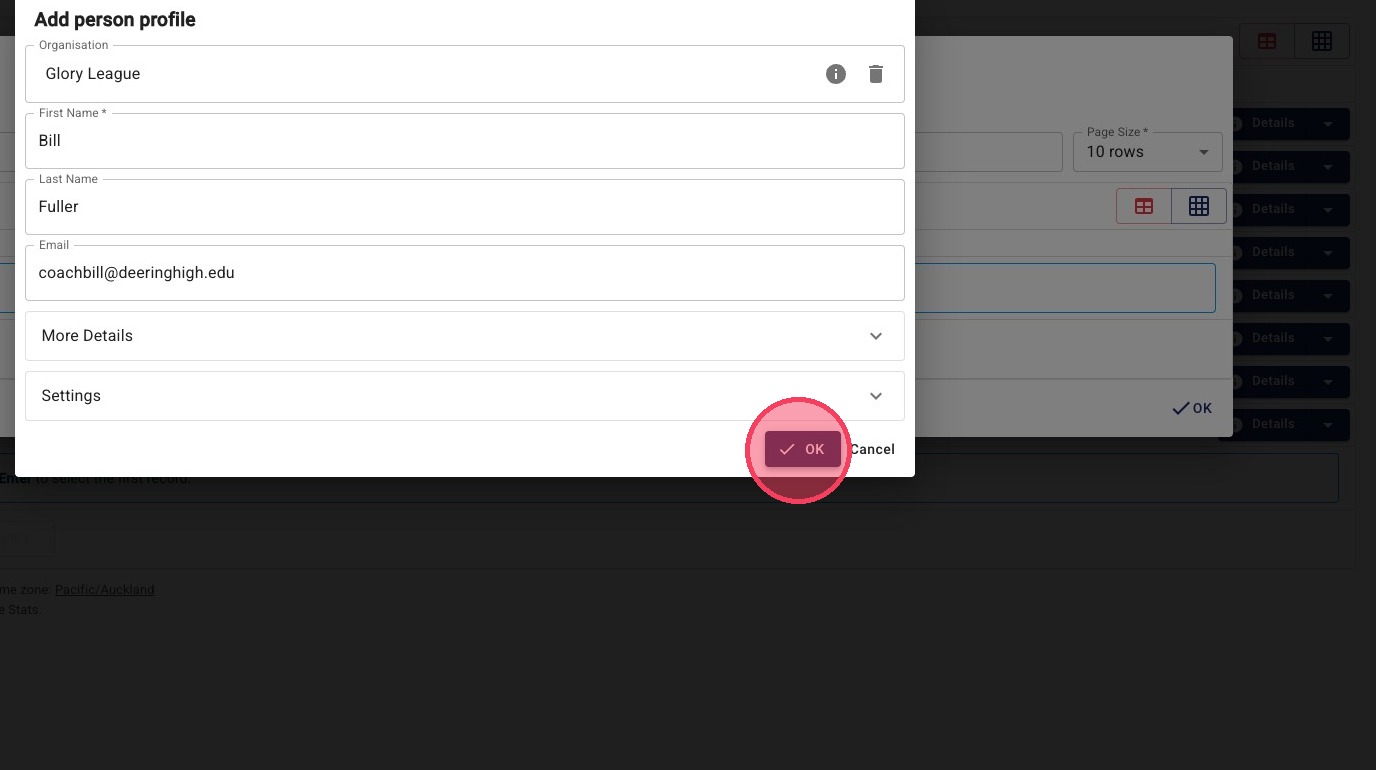
10. Click "OK"
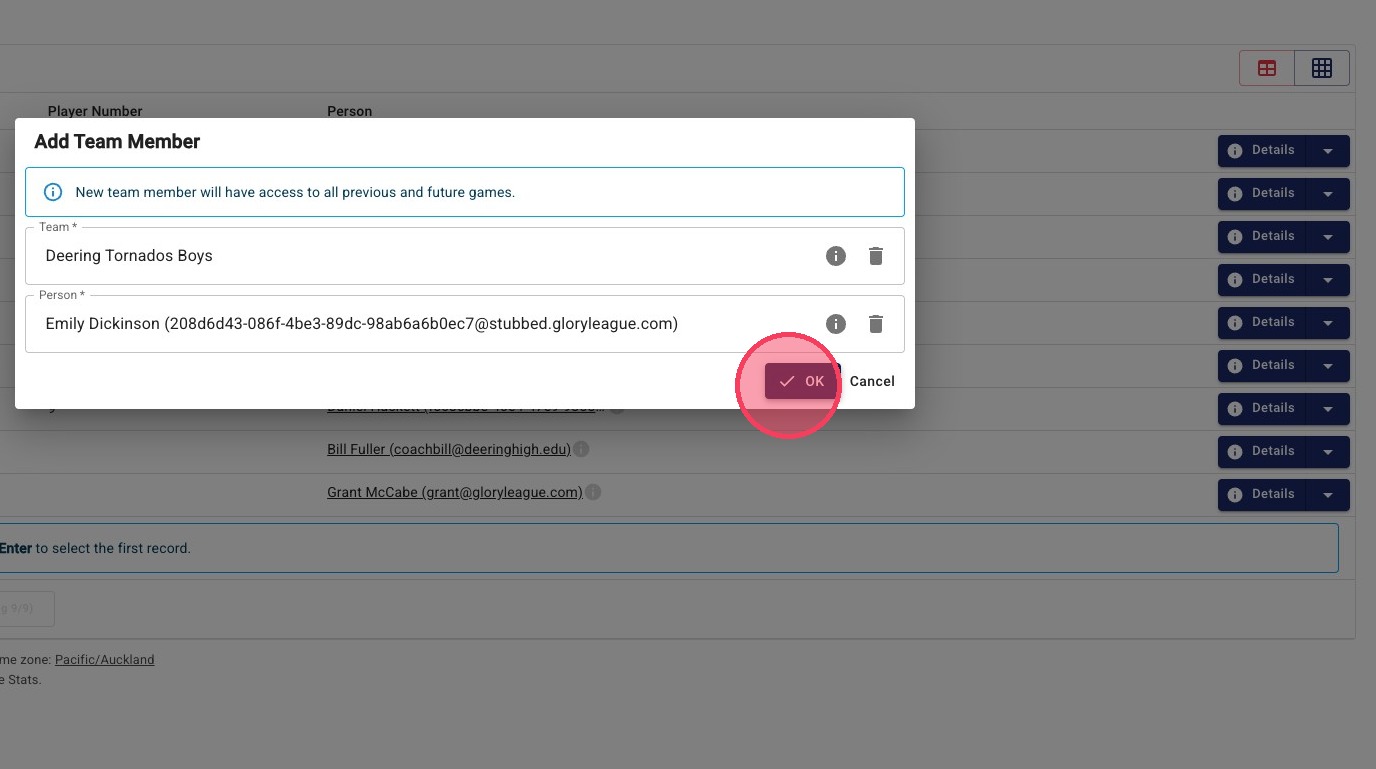
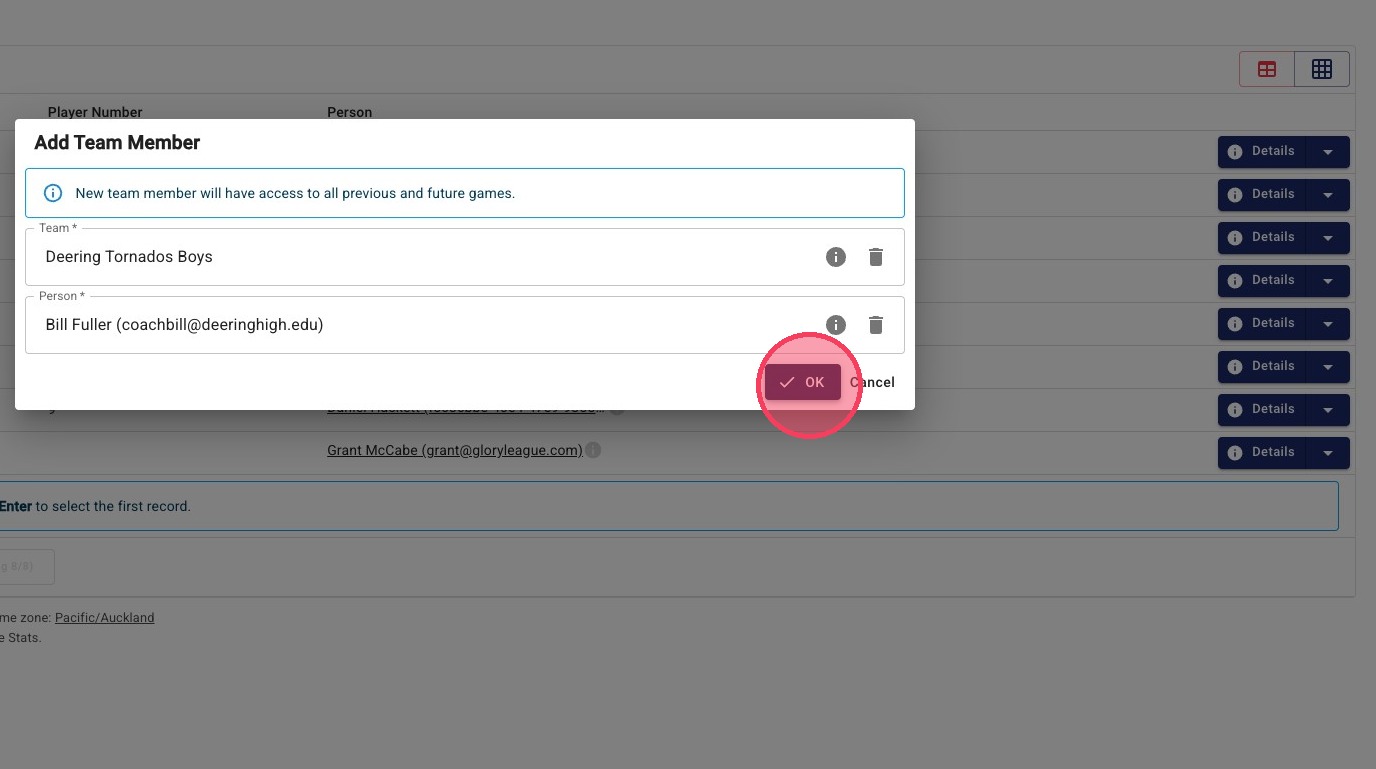
11. Confirm you are adding this coach to this team by clicking "OK"
12. If the coach is found in the database, click the select button.
13. Confirm coach selection by pressing OK